
When an AS2 connection fails, the fastest path to resolution is to identify the stage that failed. “The file did not arrive” can mean an ERP never released it, a gateway rejected it, the remote endpoint was unreachable, a certificate was invalid, an MDN was missing, or the partner’s EDI system rejected the document. Treat these as separate states.
Start with a transaction timeline
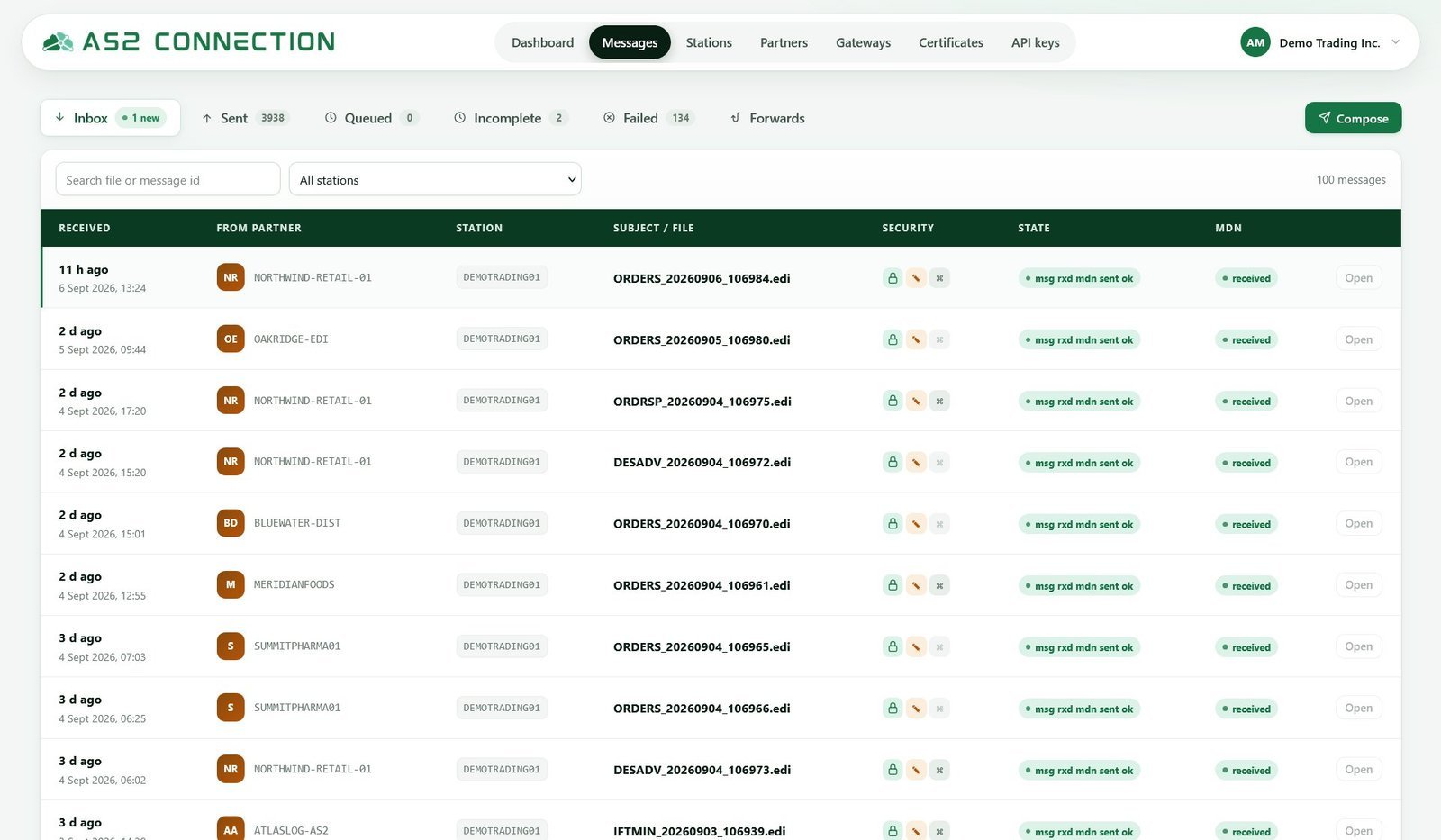
For one affected message, collect the partner name, timestamps in a single time zone, AS2 message ID, endpoint, sender and receiver AS2 IDs, certificate fingerprints, HTTP result, MDN content, retry history, and downstream acknowledgment. Do not use sensitive payload data in general-purpose tickets or chat channels.
Read that timeline as a sequence of states and stop at the first one that did not complete. A message still queued never left your gateway, so nothing on the partner side explains it. Sent with no MDN means it reached the network but produced no receipt. A negative MDN means the partner’s AS2 layer received it and refused it. A positive MDN with no functional acknowledgment is a business-processing problem, not an AS2 troubleshooting problem.
AS2 troubleshooting: transport failures versus AS2 rejections
Before looking at certificates or algorithms, establish whether the message reached the partner’s AS2 application at all. Diagnostic time is often spent on crypto settings when the failure happened at the HTTP layer, where the partner’s gateway never saw the message.
These failures happen below AS2 and produce an HTTP status code or a socket error rather than an MDN. Most are settled once, when you set up the AS2 connection, and return when a partner changes an endpoint:
- TLS handshake failure — the connection closes before any AS2 data is sent, usually an expired server certificate on the partner’s endpoint or a cipher your gateway no longer offers. That is the transport certificate, not your AS2 certificate.
- 401 or 403 — the endpoint answered but refused you. Some partners put HTTP basic authentication in front of AS2; 403 usually means HTTP authentication failed or a WAF rejected the request.
- 404 or 405 — wrong path, or a test URL used against the production host. Partner URLs often differ by one path segment between environments.
- Connection timeout with no response — the classic signature of IP allow-listing. If the same POST works from another network, stop debugging AS2 and send the partner your outbound source IP.
- Connection refused on a non-standard port — many partners publish AS2 endpoints on a port other than 443, and your outbound rules may not allow it.
The distinction is simple: transport failures produce no MDN because no AS2 processing happened, while AS2-level rejections produce a negative MDN with a reason in it. HTTP 200 and no MDN is a third case — the partner accepted the POST and will send the receipt asynchronously, so check your return endpoint before resending. The layering is set out in the AS2 protocol guide.
Common AS2 errors
Endpoint or network failure
Symptoms include connection refusal, timeout, DNS error, or HTTP authentication rejection. Confirm the exact test or production URL, outbound firewall/proxy policy, credentials, and any IP allowlist. Ask the partner whether its endpoint is in maintenance before retrying aggressively.
AS2 ID mismatch
The AS2-From and AS2-To values must match the partner profile exactly. A whitespace, case, or environment mismatch can cause a rejection. Recheck the implementation guide rather than guessing at a name.
Signature, encryption, or decryption failure
This usually points to the wrong certificate, an expired certificate, an unsupported algorithm, or a certificate associated with the wrong partner profile. Confirm fingerprints, active dates, and each certificate’s purpose. The AS2 certificates guide provides the correct diagnostic vocabulary.
Missing or invalid MDN
First confirm whether the partner requires a synchronous or asynchronous MDN. For asynchronous receipts, verify the return endpoint and inbound firewall settings. Then check whether the MDN must be signed and whether the sender trusts the partner’s receipt-signing certificate. Read the MDN guide before changing the profile.
MDN succeeded but the document failed
This is not an AS2 transport failure. The partner may reject the EDI syntax, control numbers, mapping, or business rule after receiving it. Look for a 997, 999, CONTRL, application acknowledgment, or partner support response. Your team should keep transport and business-processing queues distinct.
How to read a negative MDN: disposition modifiers and what they mean
A negative MDN names the reason the message was rejected, in vocabulary fixed by RFC 4130. A successful message is reported as processed; a failure carries one of the six standard modifiers below. Find that word in the MDN before forming a theory: it tells you which side of the exchange to investigate.
| Disposition modifier | What the receiver is saying | Most likely cause | Check first |
|---|---|---|---|
authentication-failed | Your signature could not be verified, or you are not a recognized sender. | They hold an old or wrong public certificate for you, or your AS2-From does not match their profile. | The fingerprint of the certificate they actually hold, and the exact AS2-From string including case. |
decryption-failed | The payload could not be opened. | You encrypted to a retired or wrong certificate, or used a cipher their gateway does not support. | Which of their certificates is active, and the agreed encryption algorithm for that direction. |
integrity-check-failed | The message decrypted but the computed MIC did not match the signature. | Content altered in transit, an intermediary re-encoding the body, or the wrong MIC algorithm. | Any proxy or scanner between the endpoints, and the algorithm named in Disposition-Notification-Options. |
decompression-failed | The compressed payload could not be inflated. | Compression enabled on your side against a partner that does not expect or support it. | Whether their implementation guide mentions compression; disable it for that partner and retest. |
insufficient-message-security | The message arrived intact but did not meet their security policy. | Sent unsigned or unencrypted where they require both, or with a weaker algorithm. | Your outbound gateway settings against their implementation guide, line by line. |
unexpected-processing-error | Something failed inside their gateway. | Often nothing to do with your message: an internal error or a broken profile on their side. | Nothing on your side. Send the Message-ID and timestamp and ask them to check their log. |
authentication-failed and insufficient-message-security both mean the partner received your bytes and refused them on policy grounds, so retrying the same message unchanged fails the same way. An expired certificate on either side usually surfaces as one of the first two rows, which is why AS2 certificate expiration is tracked before it becomes an incident.
When is it safe to resend an AS2 message?
Resend when you have evidence the partner never processed the document: a transport error, no MDN at all, or a negative MDN whose modifier proves the payload was never opened. Do not resend after a positive MDN, and do not resend because a business acknowledgment is late — a second invoice is a real problem.
Duplicate detection is based on the Message-ID, so the resend rule follows from it. Repeating the same Message-ID after a transport failure is usually safest: a partner that did receive the first copy discards the second. A new Message-ID creates a message their gateway cannot recognize as a repeat, so use one only when the content changed or the partner asked for a fresh submission. Log every resend against the original message.
A disciplined repair process
Make one change at a time, log it, and validate in a test environment when possible. Avoid rotating certificates or changing algorithms during an incident without confirming the partner’s expected settings. After the correction, resend only according to the agreed duplicate-handling rule; a second invoice or purchase order may create a real business problem.
What to send the partner so the first reply is useful
Partner support answers faster when it can find your message in its own log without asking a question back. Send, in one message: the Message-ID exactly as sent, the timestamp in UTC, the direction, the AS2-From and AS2-To strings copied rather than retyped, the URL you posted to and your source IP, the HTTP status or the full MDN text, and the fingerprint of the certificate you used. Then ask one specific question. “It does not work” starts a week of email; “we received decryption-failed at 09:14 UTC on Message-ID X, which certificate should we encrypt to?” is usually answered the same day.
Prevent recurring incidents
Monitoring turns repeat failures into actionable signals. Alert on certificate expiry, missing receipts, retry exhaustion, and unusual queue age. Maintain the trading-partner onboarding checklist whenever a partner changes its settings.
Frequently asked questions
Why does an AS2 message fail with decryption-failed?
Almost always because you encrypted to the wrong public certificate: one the partner has retired, or the wrong entry in your partner profile. The other common cause is a cipher their gateway does not accept. Confirm which certificate is active on their side, check its fingerprint against yours, and confirm the agreed algorithm.
Does a missing MDN mean the message was not delivered?
No. If the POST returned HTTP 200 the partner accepted the message, and the receipt may be asynchronous, arriving later at the URL you published for it. A missing MDN points at your own inbound endpoint as often as at the partner. Only a transport error with no HTTP response tells you the message was not delivered.
How long should I wait for an MDN before treating it as a failure?
Use the threshold you agreed with that partner, set in advance rather than decided mid-incident. The window is different in each MDN mode, because a synchronous receipt returns in the HTTP response while an asynchronous one arrives later at the URL you published for it — synchronous versus asynchronous MDN covers how long each may legitimately take.
The MDN was positive but the partner says the order never arrived. What now?
Send them the signed MDN for that Message-ID, which is evidence the bytes reached their gateway rather than evidence their application accepted the document. From there the problem sits between their AS2 endpoint and their application, so the useful question is whether a CONTRL or 997 was generated. AS2 for EDI compliance sets out how the two layers of evidence fit together.
AS2Connection can centralize transaction records and partner profiles for your managed AS2 connection. For a proactive approach, see how to monitor AS2 transactions.

Leave a Reply